Getting Started with MattPM - Privacy-First Employee Monitoring
Learn how to implement privacy-first employee monitoring that respects your team while providing actionable insights for better remote work management.
Getting Started with MattPM
Employee monitoring doesn't have to feel invasive. At MattPM, we believe in building tools that respect privacy while providing the insights managers need to support their teams effectively.
Why Privacy-First Monitoring?
Traditional employee monitoring tools often cross ethical boundaries with constant screenshots, keystroke logging, and real-time surveillance. This approach creates a culture of distrust and can actually decrease productivity.
Our approach is different:
- Randomized Screenshots - Not constant surveillance
- Activity Counts - Not actual keystroke content
- Weekly Digests - Not real-time micromanagement
- Transparent Metrics - Employees see their own data
Key Features
1. Effort Score (0-100)
Our transparent scoring system evaluates focus and adherence without penalizing different work styles. A designer reviewing work will score differently than a developer coding, and our AI accounts for these differences.
// Example: How effort scores are calculated
const calculateEffortScore = (activity, role) => {
  const normalizedActivity = normalizeByRole(activity, role);
  const focusScore = calculateFocus(normalizedActivity);
  const adherenceScore = calculateAdherence(normalizedActivity);

  return focusScore * 0.6 + adherenceScore * 0.4;
};
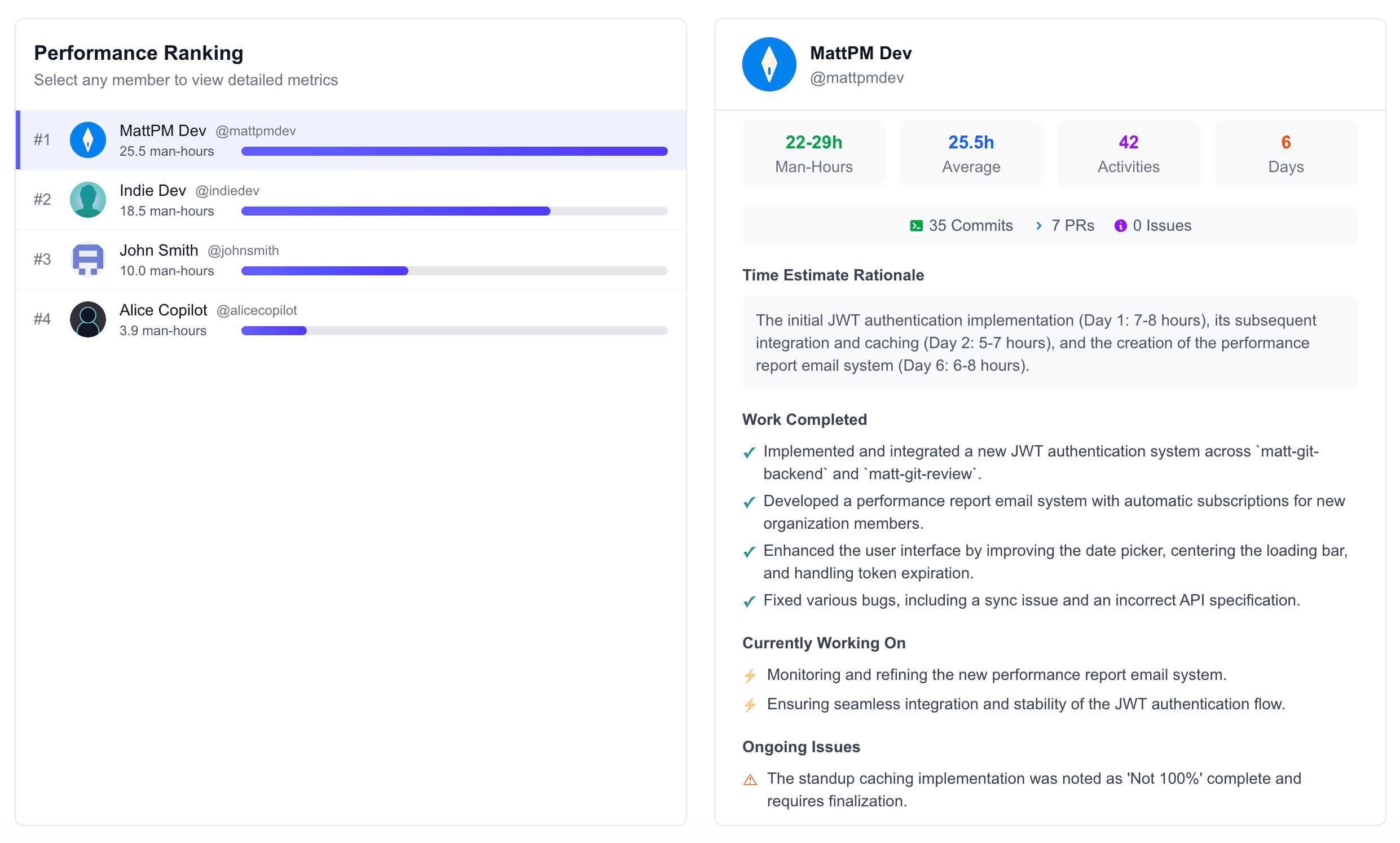
2. Weekly AI reports
Every Monday morning, managers receive:
- Top 5 Performers - With explanations of what made them successful
- Bottom 5 Risks - Explained gently with actionable suggestions
- 3 Anomalies - Unusual patterns that might need attention
- 3 Suggestions - Data-driven recommendations for improvement
3. Burnout Detection
Our AI monitors patterns that indicate overwork:
- Consistently long hours
- Weekend work patterns
- Declining productivity metrics
- Lack of breaks during work hours
"MattPM helped us identify a team member heading toward burnout before it became a serious problem. The early warning saved us from losing a valuable employee." - Tech Startup CTO
Setting Up Your Team
Getting started with MattPM is straightforward:
- Install the Agent - Lightweight desktop application for Windows, Mac, or Linux
- Configure Policies - Set work hours, privacy preferences, and monitoring levels
- Onboard Your Team - Transparent communication about what's monitored
- Review Weekly Digests - Monday morning insights to guide your week
Best Practices
Communicate Transparently
Never surprise your team with monitoring. Explain:
- What data is collected
- Why it's being collected
- How it will be used
- Who has access to it
Focus on Patterns, Not Individuals
Use monitoring data to identify:
- Team-wide productivity trends
- Process bottlenecks
- Training opportunities
- Workload balance issues
Combine with Human Judgment
Data should inform decisions, not make them. Always:
- Talk to team members about concerning patterns
- Consider context the data can't capture
- Use insights to support, not punish
- Celebrate successes identified by the data
Common Questions
Q: Can employees see their own data? A: Yes! Full transparency. Every employee can view their effort scores, activity patterns, and how they compare to team averages.
Q: Do you capture actual keystrokes or just counts? A: Just counts. We never capture the actual content of what's typed.
Q: What about GDPR compliance? A: MattPM is designed with GDPR and CCPA compliance in mind. All data is encrypted, and employees have the right to access and delete their data.
Next Steps
Ready to try privacy-first monitoring? Here's what to do next:
- Request a Demo - See the platform in action
- Start a Free Trial - Test with a small team
- Review the Documentation - Detailed guides for every feature
- Join Our Community - Connect with other privacy-first managers
Have questions? Reach out to our team at support@mattpm.ai
Ready to improve your employees' productivity by 200%?
Related Posts
Privacy-First Employee Monitoring - Building Trust While Maintaining Visibility
Explore how privacy-first employee monitoring creates better outcomes for both employers and employees through transparency, respect, and intelligent data collection.
AI-Powered Time Tracking - Beyond Simple Hour Counting
Discover how artificial intelligence transforms time tracking from a compliance exercise into actionable workforce intelligence that drives better decisions.